
Create personalized 3D printable ornaments using emojis or custom SVG artwork. Design Christmas, Halloween, Thanksgiving, birthday, and other holiday decorations with customizable silhouettes, layered artwork, hanging loops, and printable STL, 3MF, or OBJ exports.
Turn your favorite emojis or custom SVG artwork into personalized 3D printed ornaments with STLPlayground’s Custom SVG & Emoji Ornament Builder. This interactive 3D printable ornament maker lets you create unique decorations for Christmas, Halloween, Thanksgiving, birthdays, celebrations, and everyday occasions without needing traditional 3D modeling software.
Choose from recognizable emoji designs such as Christmas trees, Santa Claus, pumpkins, ghosts, hearts, snowflakes, turkeys, shamrocks, and birthday cakes, or upload your own SVG artwork. Customize the ornament’s size, shape, thickness, hanging loop, and decorative details, then preview the finished design before exporting it for 3D printing.
Whether you’re making personalized holiday decorations, handmade gifts, seasonal party favors, or multicolor ornaments, you can create a design that fits your project instead of searching for a premade STL file.
Create Custom 3D Printable Ornaments from Emojis or SVG Files
The Custom SVG & Emoji Ornament Builder gives you two ways to create a personalized ornament: start with an emoji or upload your own SVG artwork.
Turn Emojis into 3D Printed Ornaments
Emojis are a convenient starting point for designing recognizable ornaments. Choose an emoji, select an available artwork style, and let the Builder transform its shapes into a printable 3D model.
Popular emoji ornament ideas include:
- Christmas ornaments: Christmas trees, Santa Claus, snowflakes, stars, hearts, and wrapped gifts.
- Halloween ornaments: Jack-o’-lanterns, ghosts, bats, skulls, and other spooky designs.
- Thanksgiving decorations: Turkeys, fall leaves, pumpkins, and harvest-inspired designs.
- St. Patrick’s Day ornaments: Shamrocks, four-leaf clovers, and other green-themed decorations.
- Birthday decorations: Cakes, balloons, party symbols, and celebration-themed emojis.
- Everyday ornaments: Hearts, animals, flowers, sports symbols, and personalized gifts.
The available emoji artwork styles include color and black-and-white options. Different styles may have different outlines and levels of detail, so experiment with the available choices to find the appearance that works best for your design.
Upload Your Own SVG Artwork
Want to create something more personal? Upload an SVG file to transform a logo, monogram, icon, illustration, or custom graphic into a printable ornament.
SVG artwork is especially useful for:
- Personalized family ornaments and keepsakes
- Custom business logos and promotional decorations
- School mascots and team symbols
- Wedding favors and anniversary ornaments
- Pet silhouettes and animal-themed decorations
- Original holiday artwork and seasonal illustrations
- Club, organization, or event memorabilia
If your artwork is currently a PNG, JPG, or WebP image, try the STLPlayground Image to SVG Converter to create vector paths before uploading the design. For photographs or complicated images, the Photo to SVG Prep Tool can help isolate the subject and clean up unnecessary details before conversion.
Choose Between Silhouette and Full Artwork Modes
One of the Builder’s most useful features is the ability to choose how much of the original emoji or SVG artwork becomes part of the ornament.
Silhouette Mode: Clean, Simple Ornament Shapes
Silhouette Mode focuses on the overall outline of the selected emoji or SVG artwork. Instead of reproducing every interior color or graphic detail, the Builder creates a solid ornament body based on the recognizable exterior shape.
This approach is useful when you want:
- A simple, single-color ornament
- A clean decorative silhouette
- Fewer small details to print
- A straightforward design for manual filament changes or finishing
- A recognizable shape suitable for smaller ornaments
For example, a Christmas tree emoji can become a solid tree-shaped ornament, while a heart emoji can become a smooth heart-shaped decoration.
Full Artwork Mode: Preserve the Emoji or SVG Details
Full Artwork Mode creates a structural silhouette backing while preserving the original artwork’s printable interior details. This makes it possible to create more decorative ornaments featuring raised shapes and color regions.
For example, a Christmas tree ornament may include the tree outline, branches, decorations, and star. A Halloween pumpkin can retain its facial features, while a birthday cake can include contrasting decorative elements.
The artwork is incorporated into the ornament’s outward-facing surfaces, allowing the design to be recognized from either side.
Full Artwork Mode is a good choice for more detailed holiday ornaments, personalized gifts, and projects that benefit from multicolor printing.
Customize Your Ornament’s Size, Shape, and Hanging Loop
Every ornament project is different. Some are intended for a Christmas tree, while others may become decorations for a gift, seasonal display, or party. The Builder provides adjustable dimensions and hanging options to help you create an ornament suited to its intended use.
Adjust Ornament Dimensions
Control the overall ornament size and thickness to match your printing needs. Smaller ornaments can work well for gift tags and tree decorations, while larger models are useful for wall displays, seasonal decorations, and personalized keepsakes.
You can also adjust the backing padding around custom artwork. This creates additional material surrounding the design, helping establish a visible border and structural backing for the ornament.
Customize the Hanging Loop
Most decorative ornaments need a practical way to hang from a ribbon, string, hook, or decorative cord.
The Builder includes a customizable hanging loop with controls for its dimensions and positioning. Its automatic snapping behavior helps attach the loop to the ornament’s upper contour, while manual positioning options allow you to refine its placement.
For the best results, keep the loop large enough for your preferred hanging material and thick enough to print reliably. Inspect the connection between the loop and ornament body before exporting.
Design Double-Sided 3D Printed Ornaments
Unlike decorations intended to be viewed from only one direction, hanging ornaments may rotate or be visible from multiple angles.
The Custom SVG & Emoji Ornament Builder supports double-sided construction, with ornament halves designed to create a finished decoration featuring outward-facing artwork.
This makes the Builder particularly useful for Christmas tree ornaments, hanging seasonal decorations, gift ornaments, and projects where the front and back are both visible.
Use the Assembled preview to inspect the finished appearance and Print Layout to review how the printable components are arranged.
Single-Height and Multi-Height Color 3D Printing
Color can make a major difference in the appearance of a 3D printed emoji ornament. A Christmas tree becomes more recognizable with contrasting decorations, while pumpkins, ghosts, and birthday-themed designs benefit from their characteristic colors.
For compatible Full Artwork designs, the Builder offers Single Height and Multi-Height color modes through the shared SmartSVG artwork system.
Single Height for Multicolor Artwork
Single Height keeps supported artwork color regions at a common raised height. This is useful when working with multicolor or multi-material printing systems that can assign different materials or colors to portions of the same layer.
You can also use single-height models as the starting point for post-print painting or other finishing techniques.
Multi-Height for Layer-Based Color Changes
Multi-Height mode distributes printable color regions across different vertical heights. This can help organize a design for planned filament changes during printing, depending on the artwork and the available color settings.
With a compatible slicer and printer, selected color transitions may be produced using pause-at-layer or filament-change commands. This can make layered decorations possible without requiring an automatic multicolor filament system.
Always inspect the sliced model before printing. Confirm that your selected colors correspond to the intended geometry and that the slicer’s layer transitions match your planned filament changes. Exported geometry and material-color assignments may behave differently depending on the file format and slicer.
How to Create a 3D Printed Emoji or SVG Ornament
- Choose your artwork source. Select an emoji or upload your own SVG file.
- Select your ornament mode. Choose Silhouette for a simple exterior shape or Full Artwork for a more detailed design.
- Customize the artwork. Select the available emoji style or adjust your uploaded SVG settings.
- Set the ornament dimensions. Adjust the size, thickness, and backing padding.
- Configure the hanging loop. Use automatic snapping or adjust its positioning to suit your design.
- Choose your printing approach. For compatible Full Artwork designs, select Single Height or Multi-Height printing.
- Preview the model. Inspect both the assembled ornament and the printable component layout.
- Export your design. Download a supported 3D model format such as STL, 3MF, or OBJ and prepare it in your preferred slicer.
Because the Builder runs through an interactive browser-based interface, you can experiment with different emojis, outlines, sizes, and decorative details without manually modeling each design in CAD software.
Recommended 3D Printing Settings for Ornaments
Most flat decorative ornaments are relatively straightforward FDM printing projects. However, print quality depends on the artwork, physical dimensions, filament, slicer settings, and printer calibration.
Choose the Right Filament
PLA is a practical starting material for indoor decorative ornaments. It prints easily on many consumer FDM printers and is available in a wide range of colors.
PETG can be useful when additional toughness is desired, particularly for hanging features and ornaments that may experience frequent handling.
Choose filament based on the environment where the finished ornament will be displayed. PLA decorations should not be left in high-heat locations, such as inside a hot vehicle or near a heat source.
Layer Height and Surface Detail
A layer height of approximately 0.16 mm to 0.20 mm is a reasonable starting point for many printed ornaments.
Use finer layers when reproducing small raised details, intricate contours, or decorative artwork. For simpler silhouette ornaments, a standard 0.20 mm layer height may provide a good balance between appearance and print time.
Wall Thickness and Infill
Start with approximately three wall perimeters for typical flat ornaments, adjusting as necessary for the model thickness and nozzle size.
For thicker solid-backed decorations, 15% to 20% infill can be a useful starting range, although thin ornaments may consist mostly of solid top and bottom layers.
Inspect narrow connections, detailed protrusions, and hanging loops carefully. These features may require additional thickness to print successfully.
Print Orientation and Supports
For flat ornaments, printing with the broad rear surface on the build plate is generally the simplest approach. This provides a stable printing surface and helps reduce the need for supports.
For double-sided designs or raised artwork, inspect the Print Layout to determine how individual halves or components should be oriented.
Most simple flat ornaments should not need extensive supports, although unusual overhangs and complicated decorative features may require them.
Tips for Cleaner Multicolor Prints
- Limit the number of colors when printing small ornaments.
- Make sure fine details are large enough for your nozzle diameter.
- Inspect color transitions and layer heights in your slicer.
- Use appropriate purge and color-change settings for multicolor systems.
- Check that raised artwork remains properly supported by the ornament backing.
- Print a smaller test ornament before producing a large batch.
Creative Projects for Every Holiday and Occasion
Although Christmas ornaments are an obvious application, this Builder can be used throughout the year.
Christmas Tree Decorations and Personalized Gifts
Create Christmas tree ornaments featuring holiday emojis, stars, snowflakes, family symbols, and custom artwork. Personalized designs can make memorable stocking stuffers, gift decorations, or keepsakes.
Halloween Party Decorations
Transform pumpkin, ghost, bat, and spooky-themed emojis into decorations for Halloween trees, party displays, and seasonal decorations. For a related project, try the Pumpkin Face & Decorator Builder to create printable decorations for real pumpkins.
Thanksgiving and Fall Decorations
Create seasonal ornaments inspired by turkeys, autumn leaves, pumpkins, and other harvest themes. These can be displayed on decorative branches, seasonal trees, or fall-themed arrangements.
Birthdays, Celebrations, and Party Favors
Use birthday cakes, hearts, stars, balloons, and personalized SVG designs to create decorations and small keepsakes for parties, special occasions, and celebrations.
School, Team, and Business Ornaments
Upload team graphics, club logos, school symbols, or custom business artwork to make ornaments for organizations, promotional events, fundraisers, and recognition gifts.
Tips for Preparing Emoji and SVG Artwork
The quality of your finished ornament begins with the artwork you select. Simple shapes and clean vector contours usually produce more predictable printed geometry.
- Choose recognizable shapes: Designs should remain recognizable at your intended ornament size.
- Avoid extremely thin details: Small lines and narrow features may disappear during slicing or become fragile after printing.
- Check isolated regions: Small disconnected elements may require structural connections or additional backing material.
- Review interior openings: Make sure holes, gaps, and enclosed details produce the intended printable result.
- Use cleaner SVG files: Remove unnecessary paths, overlapping artifacts, and tiny decorative elements when possible.
- Check both sides: Inspect the assembled preview to verify the ornament’s final front and back appearance.
For artwork you want to display upright rather than hang, explore the Silhouette Art Maker With Stand. It can turn emoji or SVG designs into freestanding decorations or cake toppers.
More STLPlayground Builders and Design Tools
If you enjoy creating personalized decorations, STLPlayground offers several related tools for turning digital artwork into printable 3D models.
- Sports Medallion Builder – Transform SVG artwork and emojis into layered medallions with customizable borders and hanging features.
- Silhouette Art Maker With Stand – Create freestanding SVG or emoji silhouettes with an optional display stand.
- Pumpkin Face & Decorator Builder – Create seasonal decorations and printable accessories for pumpkins.
- Image to SVG Converter – Convert raster images into vector paths suitable for compatible 3D Builders.
- Photo to SVG Prep Tool – Prepare photographs and complex imagery for cleaner SVG conversion.
You can also explore the complete STLPlayground 3D Builder collection for more customizable models, personalized gifts, decorations, and practical 3D printing projects.
Frequently Asked Questions
Can I turn any emoji into a 3D printed ornament?
The Builder supports compatible emoji artwork from its available sources. However, some complex emojis may contain very small details, disconnected elements, or contours that are difficult to print. Review the generated preview and simplify your design when necessary.
Can I upload my own SVG file?
Yes. You can upload compatible SVG artwork to create a personalized ornament based on your own logo, icon, symbol, or illustration. Clean vector paths typically provide better results than overly complicated artwork.
What is the difference between Silhouette and Full Artwork modes?
Silhouette Mode produces a solid ornament based on the artwork’s exterior contour. Full Artwork Mode preserves supported interior details and color regions on a structural backing, allowing more detailed and decorative designs.
Can I create multicolor 3D printed ornaments?
Yes. Compatible Full Artwork designs support Single Height and Multi-Height color workflows. The printing method depends on the model, available color settings, your printer, and the capabilities of your slicer.
Do I need a multicolor 3D printer?
Not necessarily. Simple silhouette ornaments can be printed in one filament color. Some multi-height designs may also be suitable for planned filament changes at specific layers. Single-height artwork with multiple colors generally requires an appropriate multicolor workflow or post-print finishing.
Are the ornaments double-sided?
The Builder supports double-sided ornament construction with outward-facing artwork on the printable halves. Check the Assembled and Print Layout views to understand how the pieces form the finished ornament.
Can I adjust the hanging hole?
Yes. The hanging loop can be customized, including its dimensions and placement. The Builder also provides automatic snapping to help connect the hanger to the ornament contour.
What file formats can I export?
The Builder supports STL, 3MF, and OBJ exports. Available color and material information can vary by export format and slicer, so always inspect the model after importing it into your preferred slicing software.
What 3D printer should I use?
Most flat ornament designs are suitable for a properly configured consumer FDM printer. Select settings based on the level of detail, material, nozzle size, and intended ornament dimensions.
Can I make ornaments for holidays other than Christmas?
Absolutely. Use Halloween, Thanksgiving, birthday, Valentine’s Day, St. Patrick’s Day, and other themed emojis or SVG artwork to create seasonal and personalized decorations throughout the year.
Start Creating Your Own 3D Printable Ornaments
With STLPlayground’s Custom SVG & Emoji Ornament Builder, creating personalized decorations is easier than starting every project from scratch in CAD software. Choose an emoji or SVG file, customize your ornament, preview the design, and export a printable 3D model.
From colorful Christmas ornaments and Halloween decorations to personalized birthday gifts and custom keepsakes, this 3D printable ornament maker gives you a flexible way to turn your ideas into physical creations.
Choose your favorite emoji or upload an SVG design in the Builder above and start creating your next custom 3D printed ornament.
Related Builders
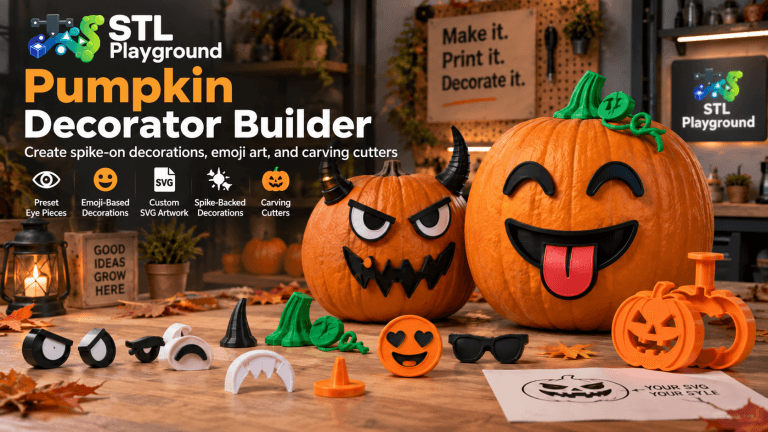
Pumpkin Face & Decorator Builder
Design your own 3D printable pumpkin decorations without modeling software. Mix and match eyes, noses, mouths, surface accessories, and dimensional 3D toppers,…
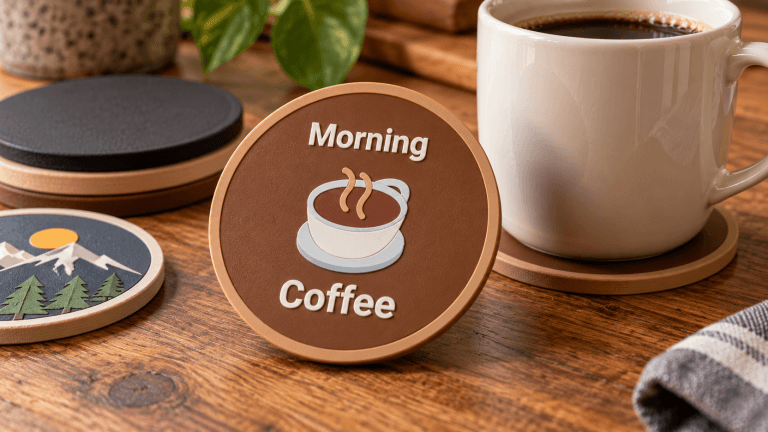
Custom Coaster Builder
Create an exact-size 3D printable drink coaster with round, rounded-square, or hexagonal geometry, an optional condensation rim, and personalized text, emoji, or…
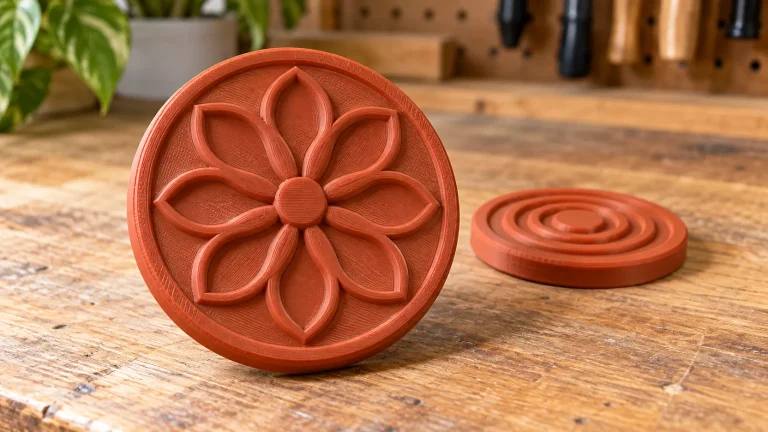
Cookie Stamp Builder
Create personalized cookie stamps with correctly mirrored printable lettering, a readable on-screen preview, and optional enhanced SVG or emoji detail.
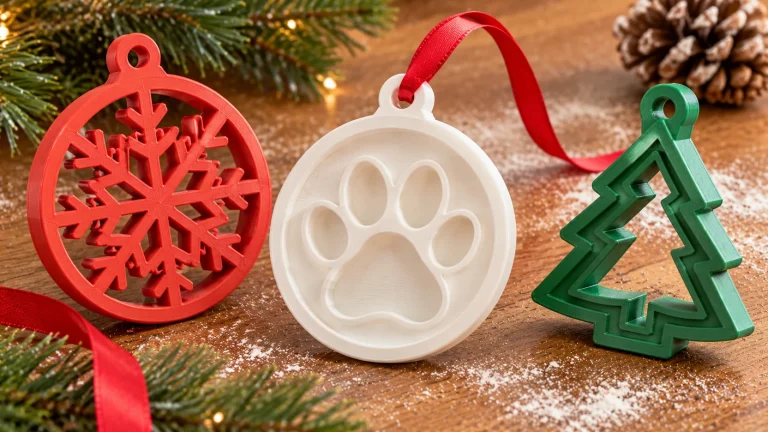
Personalized Holiday Ornament Builder
Create customizable double-sided holiday ornaments in classic bauble, star, Christmas tree, snowflake, custom SVG, and multi-photo lithophane globe styles, with text, emoji,…