
Design personalized 3D printable bookmarks with custom text, emoji or SVG toppers, solid and openwork patterns, and color-layer options.
Design Your Own 3D Printable Bookmark
Use the Custom Bookmark Maker to create a personalized bookmark with your choice of width, length, thickness, custom text and artwork. Start with a classic thin solid bookmark, choose real geometric openwork, or extend an uploaded SVG or emoji above the top edge as a decorative topper.
Choose a Bookmark Style
Solid: an easy-to-customize rectangular bookmark with rounded corners and an optional tassel hole. Openwork: geometric holes cut directly through the printable body. Decorative Topper: a connected silhouette made from your selected emoji or SVG artwork.
Personalize Text, Artwork and Colors
Add your name or a short quote with the shared font controls. Select the emoji picker or upload an SVG and refine its layers using SmartSVG. Raised lettering is the current starting option; basic through-cut lettering is available for simple glyphs, while letters requiring connected stencil counters are still being refined.
Printing Recommendations
The default bookmark is 150 × 35 × 1.6 mm. For a thin object that slides between book pages, use modest raised relief and preview Print Layout before export. The selected artwork and openwork features must still be checked for strength and manufacturability in your slicer. A physical tassel or ribbon is added after printing; it is not part of the 3D model.
Explore More Personalization Tools
Make matching accessories with our Luggage Nametag Builder, explore custom shapes with the Silhouette Art Maker, or design a personal name accessory with the Nametag Builder. Read our two-color nametag printing ideas for more inspiration.
Related Builders

Nametag / Text Builder
Design a personalized nametag above and export a ready-to-print STL, 3MF or OBJ. Use the following guidelines to get crisp lettering, durable…
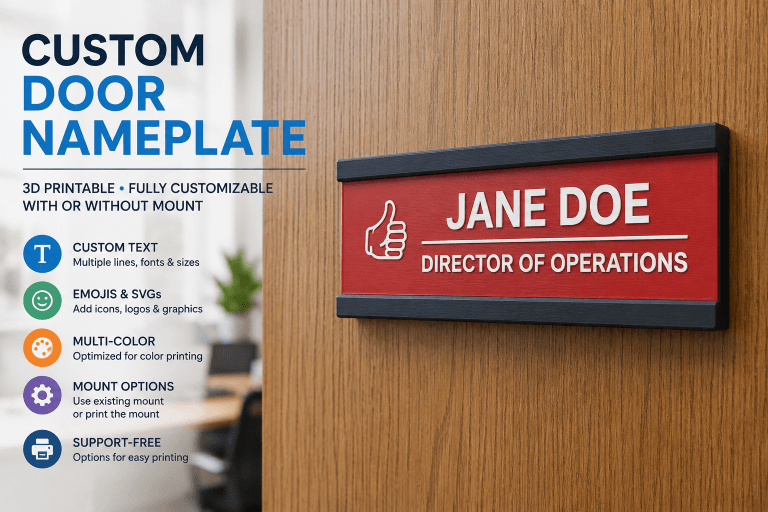
Custom Door Nameplate Builder | 3D Printable Door Signs
Create a fully customized 3D printable door nameplate for offices, classrooms, meeting rooms, home workspaces, and other shared areas. Personalize the name,…

Silhouette Art Maker With Stand
Create printable solid or detailed-outline silhouette art from Emoji or SVG artwork, with a personalized display stand or an integrated cake-topper spike.
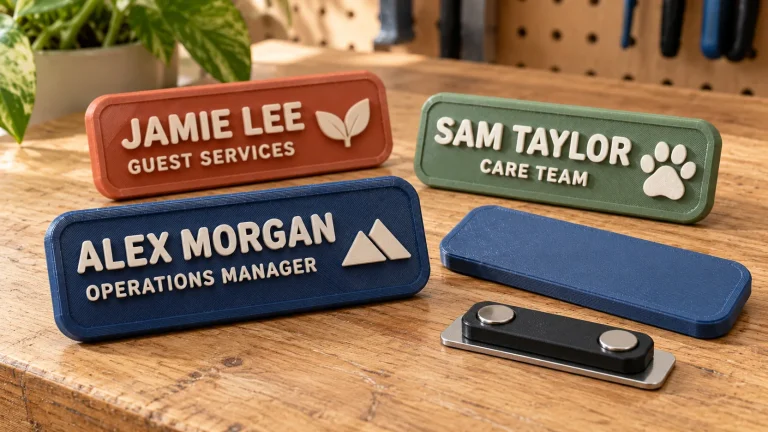
Custom Magnetic Name Badge Builder
Design a custom 3D printable employee name badge for peel-and-stick commercial magnetic badge holders, with personalized text, logos, and a flat rear…