
Design a custom 3D printable tabletop peg drop game with adjustable board dimensions, automatic peg layouts, custom bin labels, text, emoji, artwork, colors, and a printable display stand.
Create Your Own 3D Printable Tabletop Peg Drop Game
Create a completely personalized tabletop peg drop game without needing traditional CAD software. The Tabletop Peg Drop Game Builder lets you customize the size, appearance, labels, artwork, colors, and playing layout of your board, then generate the parts you need for 3D printing.
Build a traditional points-based game, a decision maker, classroom activity, party game, prize board, promotional display, or something completely original. Change the wording, scoring system, artwork, colors, and dimensions to make the design fit the way you want to play.
Customize the Entire Peg Drop Board
Start by choosing the overall dimensions of your game board. The builder automatically creates a peg layout, drop positions, and scoring area that fit the available space, so you do not have to manually calculate peg spacing every time you change the size.
You can create a compact desktop game or scale the design up for a larger tabletop project. The peg rows, columns, puck size, and scoring bins are generated around the dimensions of the board to keep the layout balanced and playable.
Customize Your Board With:
- Adjustable board width and height
- Automatically generated peg rows and columns
- Automatically sized game puck
- Custom scoring or answer bins
- Custom header text
- Emoji and decorative artwork
- Custom SVG artwork
- Individual colors for the board, pegs, puck, and stand
- Adjustable tabletop stand and board angle
- Assembled and print-layout previews
Create Your Own Scoring or Decision System
The bottom bins are not limited to traditional numeric scores. Give each position whatever meaning you want and turn the same basic game into many different types of interactive projects.
Use point values such as 100, 250, 500, and 1000, or replace the numbers with responses such as Yes, No, Maybe, and Again. You could also use prizes, team names, challenges, classroom rewards, trivia answers, chores, activities, or any other short labels that fit your game.
Ideas for Your Peg Drop Game
- Party and event games
- Yes / No decision makers
- Classroom reward boards
- Trivia and educational activities
- Prize and giveaway games
- Fundraising activities
- Team and school-spirit games
- Office decision games
- Promotional and branded displays
- Family game-night projects
Add Custom Text, Emoji, and Artwork
Personalize the upper portion of the board with your own text, emoji, and artwork. Create a simple game title, add a theme graphic, incorporate a logo, or build a design around a special event.
Text lines can include standard characters as well as emoji, giving you another way to create themed headers and playful designs. You can also upload SVG artwork when you want to incorporate your own graphic or logo.
If your project is focused more heavily on personalized text and graphics than gameplay, you may also want to try the STL Nametag Generator or the Custom Desk Name Plate Builder. Both provide additional options for creating personalized 3D printable displays using text, emoji, and custom artwork.
Designed as a Functional Tabletop Game
This builder creates more than a decorative peg board. The game includes a dedicated printable tabletop stand designed to hold the playing surface at an angle while keeping the completed project stable on a desk or table.
Stand controls let you adjust the fit, support angle, side rails, and front retaining lip. This gives you flexibility to fine-tune the finished assembly while maintaining a clean, streamlined tabletop profile.
Preview Your Finished Game Before Printing
Use the assembled 3D preview to see how the board, pegs, puck, scoring bins, artwork, and stand work together before you export your files.
You can also customize the preview colors for different parts of the design. This is useful when planning multi-color prints, filament changes, or separately printed pieces that will be assembled afterward.
Make It Match Your Event or Theme
A custom peg drop board works especially well for parties, school activities, sports events, giveaways, and other interactive experiences. Match the colors to a team or organization, customize the header with a name or message, and change the scoring labels to fit the activity.
For additional event and team projects, check out the Custom Cheer Wand & Handheld Sign Builder. If you want to create matching wearable pieces, awards, or branded giveaways, the Custom Medallion Builder is another useful option.
3D Printing Your Peg Drop Game
The builder separates the design into logical printable components so you can prepare the game using the print layout before exporting. Depending on your printer and color choices, components can be printed in different filament colors and assembled afterward.
For the smoothest gameplay, print the pegs and puck cleanly and check that the puck can move freely through the peg field before final assembly. Printing the board and stand as separate components also makes it easier to use contrasting colors and replace individual pieces if needed.
Printing Tips
- Use a consistent layer height for smooth peg surfaces.
- Make sure the puck moves freely between adjacent pegs before completing the final assembly.
- Use contrasting colors for pegs, labels, and the puck to improve visibility.
- Print the stand separately so it can be oriented for strength and surface quality.
- Use the assembled preview to verify your layout before exporting.
- Use the print layout to review the individual parts that will be generated.
Build a Peg Drop Game That Is Completely Your Own
A peg drop game is a simple concept that can become a surprisingly versatile 3D printing project. Change the dimensions, wording, artwork, scoring system, colors, and theme and the same builder can produce something completely different each time.
Whether you are making a tabletop game for your family, an activity for a classroom, a party centerpiece, a prize board, or a custom promotional piece, the Tabletop Peg Drop Game Builder gives you a fast way to create a personalized, printable design without starting from scratch in CAD.
Customize your game above, preview the finished design, and export the parts when you are ready to print.
Looking for another project? Browse all of our 3D Model Builders and Custom STL Generators for more customizable designs you can create directly in your browser.
Related Builders
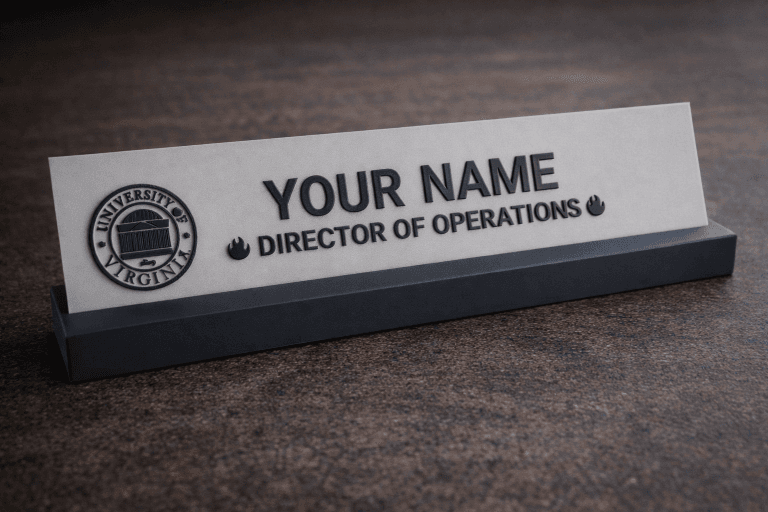
Custom Desk Name Plate Builder
Create fully customized 3D printable desk name plates using this interactive builder. Personalize the name, job title, fonts, and even add emojis…
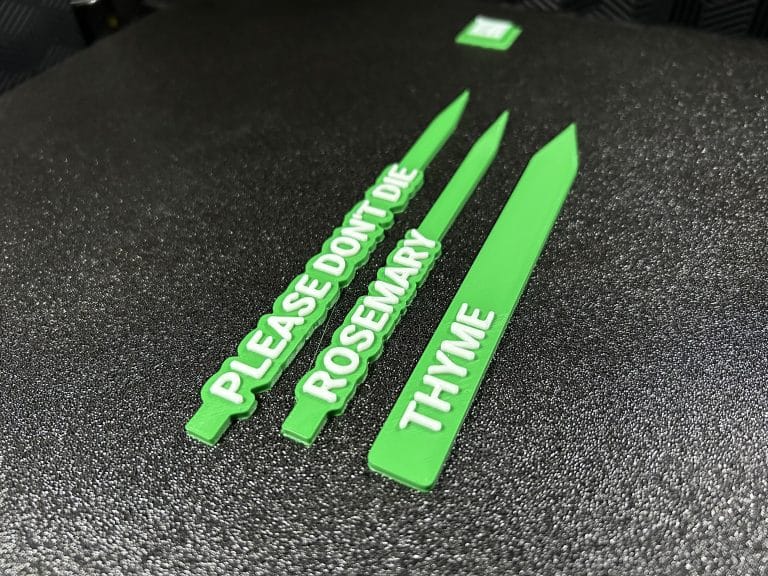
Custom Plant Stake Label Builder (3D Printable)
Create fully customizable 3D printable plant stake labels for gardens, planters, seed trays, and indoor plants. This online builder lets you customize…
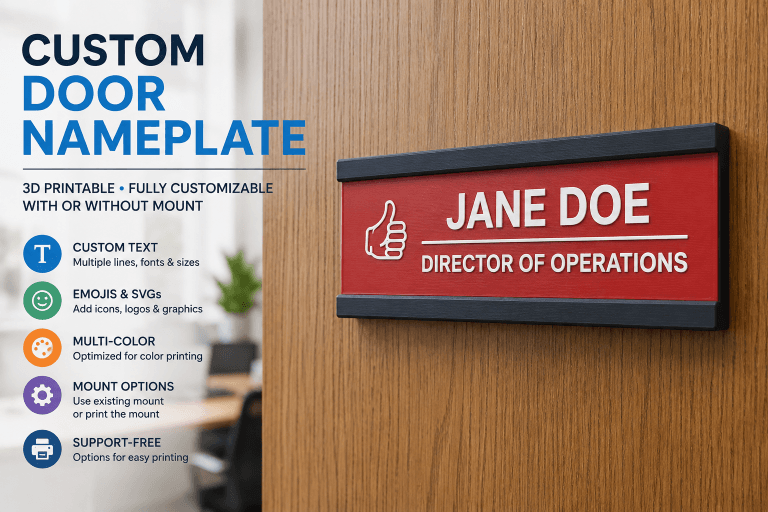
Custom Door Nameplate Builder | 3D Printable Door Signs
Create a fully customized 3D printable door nameplate for offices, classrooms, meeting rooms, home workspaces, and other shared areas. Personalize the name,…
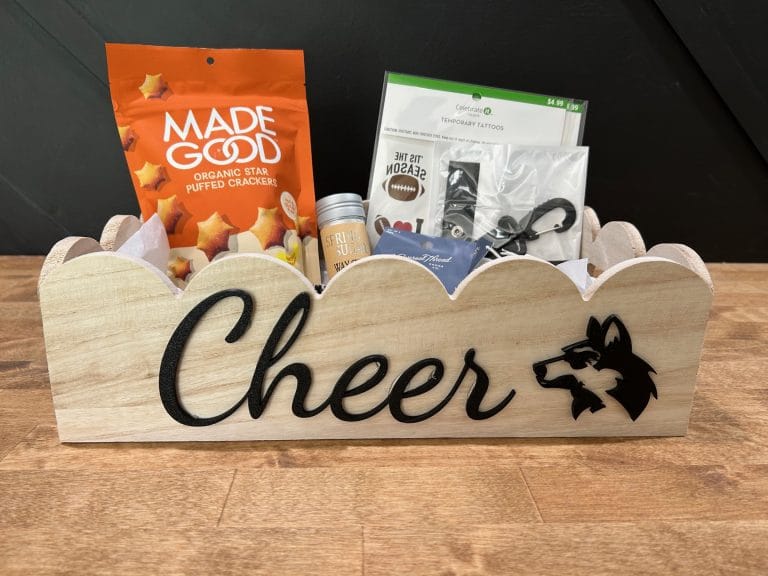
3D Text Builder
Use the 3D Text Designer above to lay out words and emojis flat on the build plate. Export a ready-to-print STL or…