
Use the Container Builder above to create a 3D printed box STL (with or without a lid/lip) or a textured basket.
Export a ready-to-print STL or OBJ and follow these settings for strong, clean, support-smart prints.
Measure, Fit & Scaling
- Internal size: If your box must fit specific items, enter the item dimensions and add clearance (0.3–0.6 mm per side) in the app.
- Lid fit: For a lid with a retention lip, allow 0.2–0.4 mm radial clearance (total 0.4–0.8 mm) between lip and box wall.
- Scale in the app: Rebuild to the final size in the app. Scaling in the slicer can thin walls/lips and distort text or textures.
Orientation & Supports
- Box (no side text): Print open side up for a support-free interior and flat, strong base.
- Box with raised/engraved side text: Side text may introduce overhangs. Use supports touching build plate only with low density and add support blockers to keep interiors clean.
- Lid with lip: Print top surface down (on the bed) for the cleanest visible surface; enable elephant-foot compensation or use a light brim if adhesion is marginal.
- Basket option: Handles and certain textures will almost certainly need supports. Tree supports at low density work well; keep them off the interior with blockers.
When Your Slicer Asks to Repair
If your slicer prompts to repair the mesh, accept the recommended fix. Repairs close tiny gaps/non-manifold edges and typically improve printability without changing visible geometry.
Recommended Slicer Settings (FDM/FFF)
- Nozzle: 0.4 mm
- Layer Height: 0.16–0.20 mm (0.12 mm for showcase lids/text detail)
- Perimeters (Walls): 3–4 (≈1.2–1.6 mm) for sturdy boxes and lip strength
- Top/Bottom: 5–7 layers (≈1.0–1.4 mm total) for a smooth, rigid base and lid
- Infill: 15–30% (Grid/Gyroid). Heavier loads → closer to 25–30%.
- Speed: 45–60 mm/s. For crisp text/texture, slow external walls to 35–45 mm/s.
- Material: PLA for easy printing; PETG for durability/flex; ASA/ABS for heat resistance.
Print Settings — Quick Recipes
- Solid Box (no side text): 0.2 mm layers · 3 walls · 20% infill · Open side up · Supports: Off
- Box w/ Raised or Engraved Text: 0.16–0.2 mm · 3–4 walls · 20–25% · Open side up · Supports: On (plate only, low density, use blockers)
- Lid w/ Retention Lip: 0.16 mm · 3–4 walls · 15–20% · Top surface down · Supports: Usually Off (enable small supports if the lip overhangs are steep)
- Basket (handles/texture): 0.2 mm · 3 walls · 15–20% · Basket upright · Supports: Tree, low density (10–12%), interface on, blockers to keep interior clean
Support Tuning (when needed)
- Style: Tree supports (if available) reduce scarring on curved handles and textures.
- Density: 10–12% with an interface layer for easy removal.
- Overhang threshold: 50–60°. Raise slowly until bridges/overhangs look clean in preview.
- Blockers: Place support blockers to keep interiors and the lip channel free of supports.
Fit, Finish & Durability
- Enable elephant-foot compensation or slightly reduce first-layer line width to prevent tight lids.
- Lightly chamfer or sand lid edges/lip channel for smooth action.
- For load-bearing boxes, choose PETG, 4 walls, and 25–30% infill.
Design a 3D printed box STL with lid or a basket STL in minutes. Export, slice with support-smart settings,
and print containers that fit perfectly—with optional raised or engraved text on any side.
Related Builders
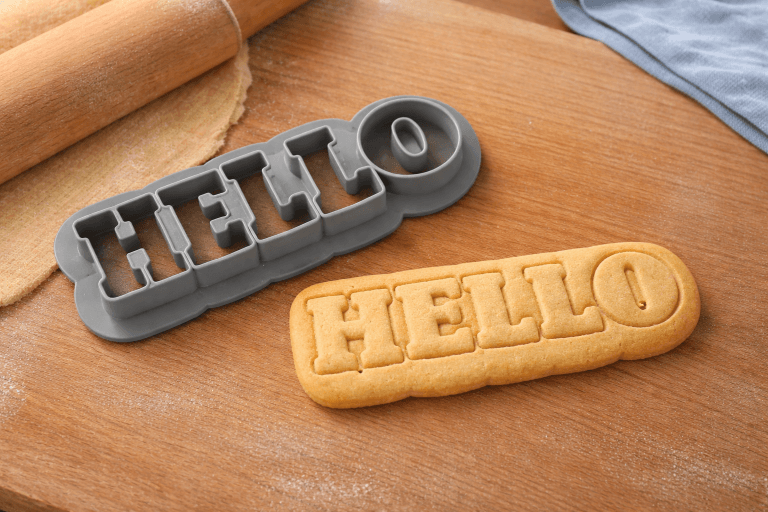
3D Printed Cookie Cutter Creator
Create custom 3D printable cookie cutters from text, shapes, or designs using this easy-to-use online builder. Customize size, depth, and edge thickness…
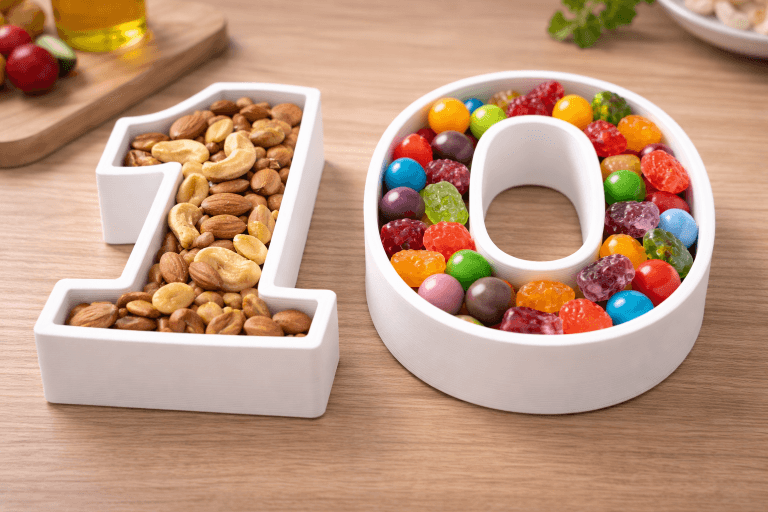
Custom Letter & Number Container Builder (3D Printable)
Design fully customizable 3D printable letter and number-shaped containers using this easy-to-use online builder. Choose any letter or number, customize the font…
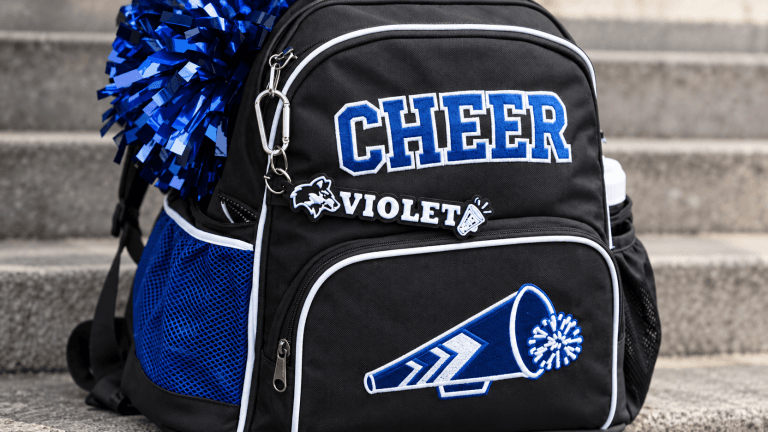
Nametag / Text Builder
Design a personalized nametag above and export a ready-to-print STL, 3MF or OBJ. Use the following guidelines to get crisp lettering, durable…

Credit Card Tap Wand Builder
Design a custom tap-to-pay wand that holds a standard credit or debit card. Choose sculpted topper shapes or upload your own SVG,…